
Using AI alone no longer gives your team an advantage. Every competitor has the same AI tools. Meanwhile, usage and spend are climbing. A Digital Analogue™ gives your LLM a curated source of your unique business context, plus the instructions for using it.
A new hire has to learn your business before they can do good work. So does AI. A Digital Analogue™ is that onboarding, written once and kept current, in three parts.
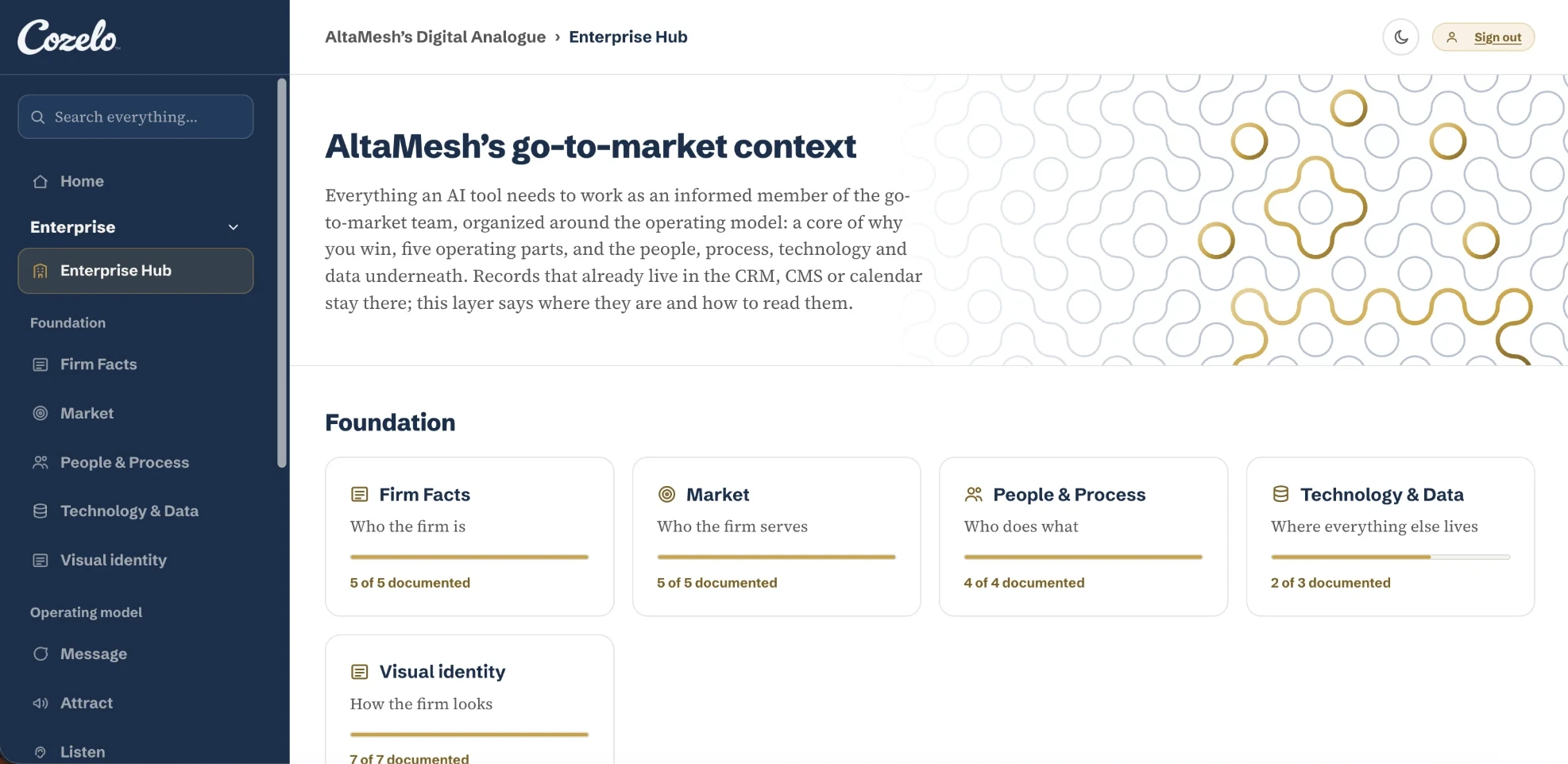
Everything AI needs to know about your go-to-market, organized by the operating model and kept in your own Google Drive or SharePoint. Each part holds what an AI tool needs to do that part’s work.
Cozelo’s proprietary methodology for how an AI tool should use your context to carry out a task.
Where your team reads and updates the context base, with data governance built in, without opening a file or learning markdown.
Cozelo helps you take control of your business’ context, so your LLM works from a single version of the truth. It’s what lets great AI work spread beyond individuals and show results. We build that context as your Digital Analogue™, organized around Cozelo’s go-to-market operating model.
Every file is markdown: simple syntax and a clear hierarchy of headings and entries, the format LLMs parse most reliably. Your AI reads a short core file first, then opens only what the task needs.
Any LLM can read it, so if you change tools, your context comes with you.
Context only helps if the AI uses it well. The Orchestrator Instructions are Cozelo’s proprietary method for that, and they guide every AI tool that reads your context base. Your rules hold on every request, whoever makes it.
Ask if something essential is missing.
Check with you before spending tokens looking anywhere else.
Automatically perform quality checks before delivering output.
Cozelo writes and maintains the Orchestrator Instructions. Every client receives each new version as the methodology improves.
The Digital Analogue™ app makes keeping the context base current part of the work, done by the people who know the business best.
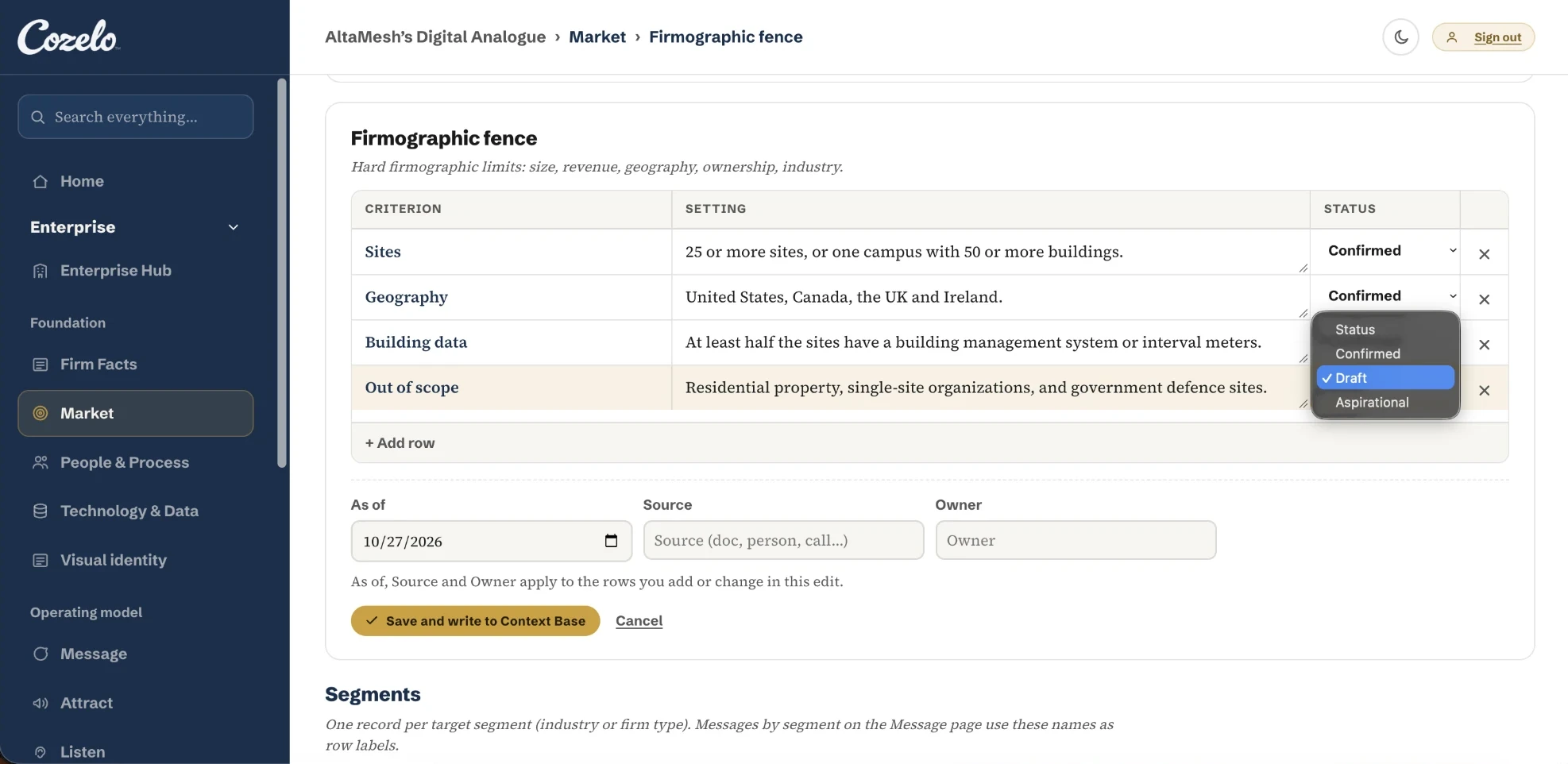
Anyone you invite can update an entry in a simple form. The app writes the markdown, so nobody touches a file.
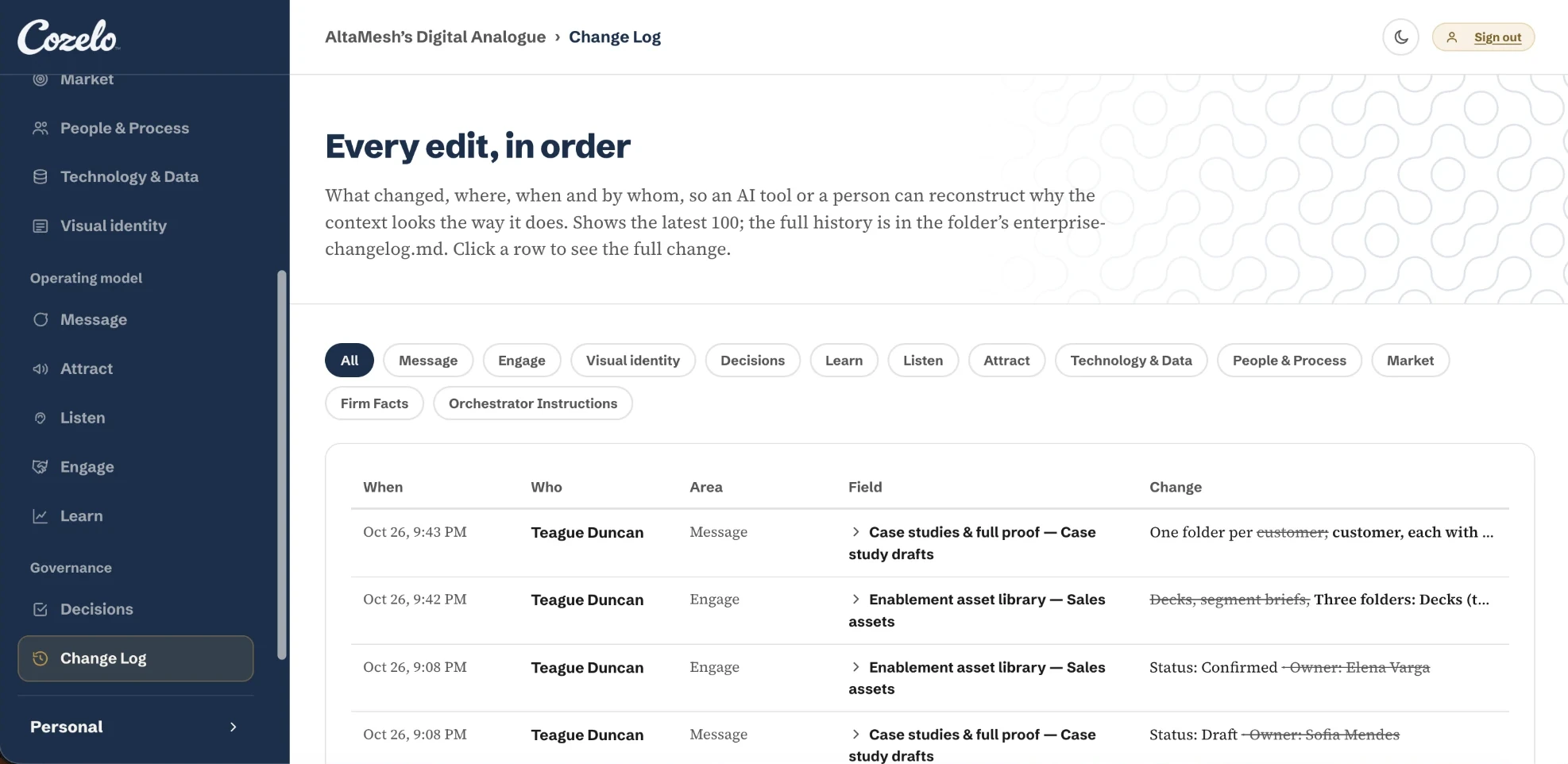
Every change is logged with who made it and when, and admins decide who can edit what.
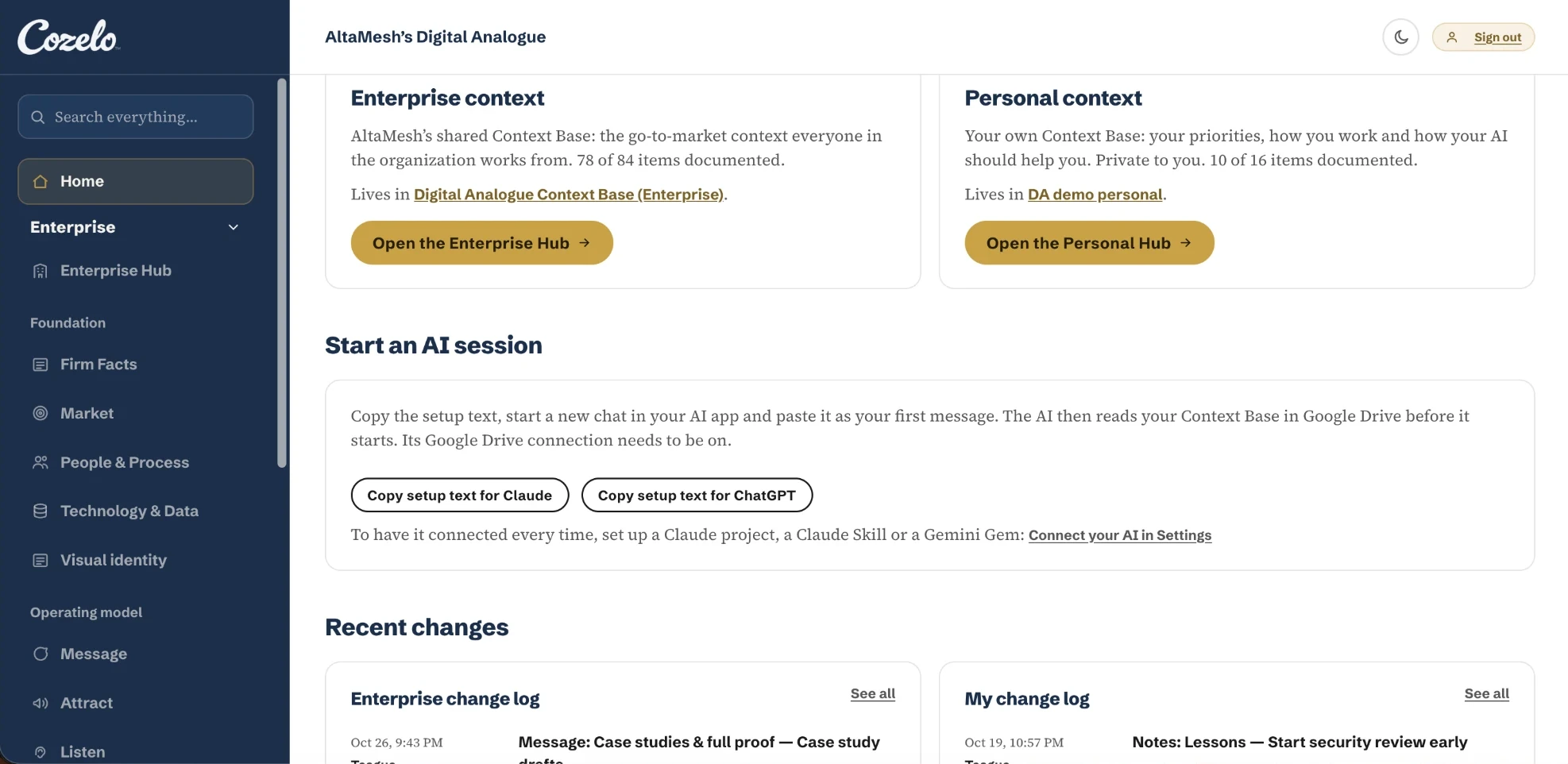
One block of setup text connects each person’s AI tool, so everyone starts every task from the same context base.
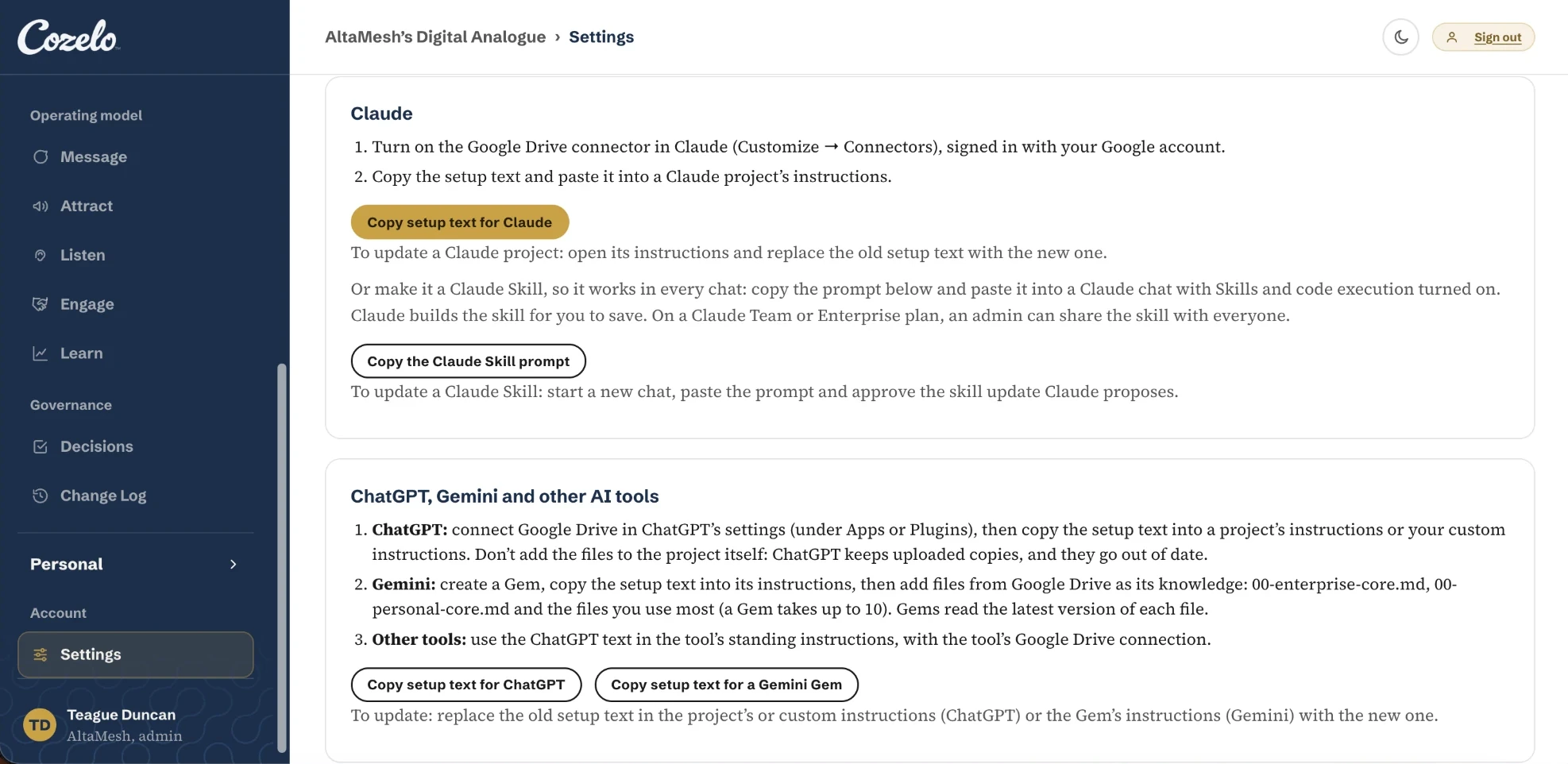
Each person adds their own priorities, working style and standing instructions, visible only to them and always inside the organization’s rules.
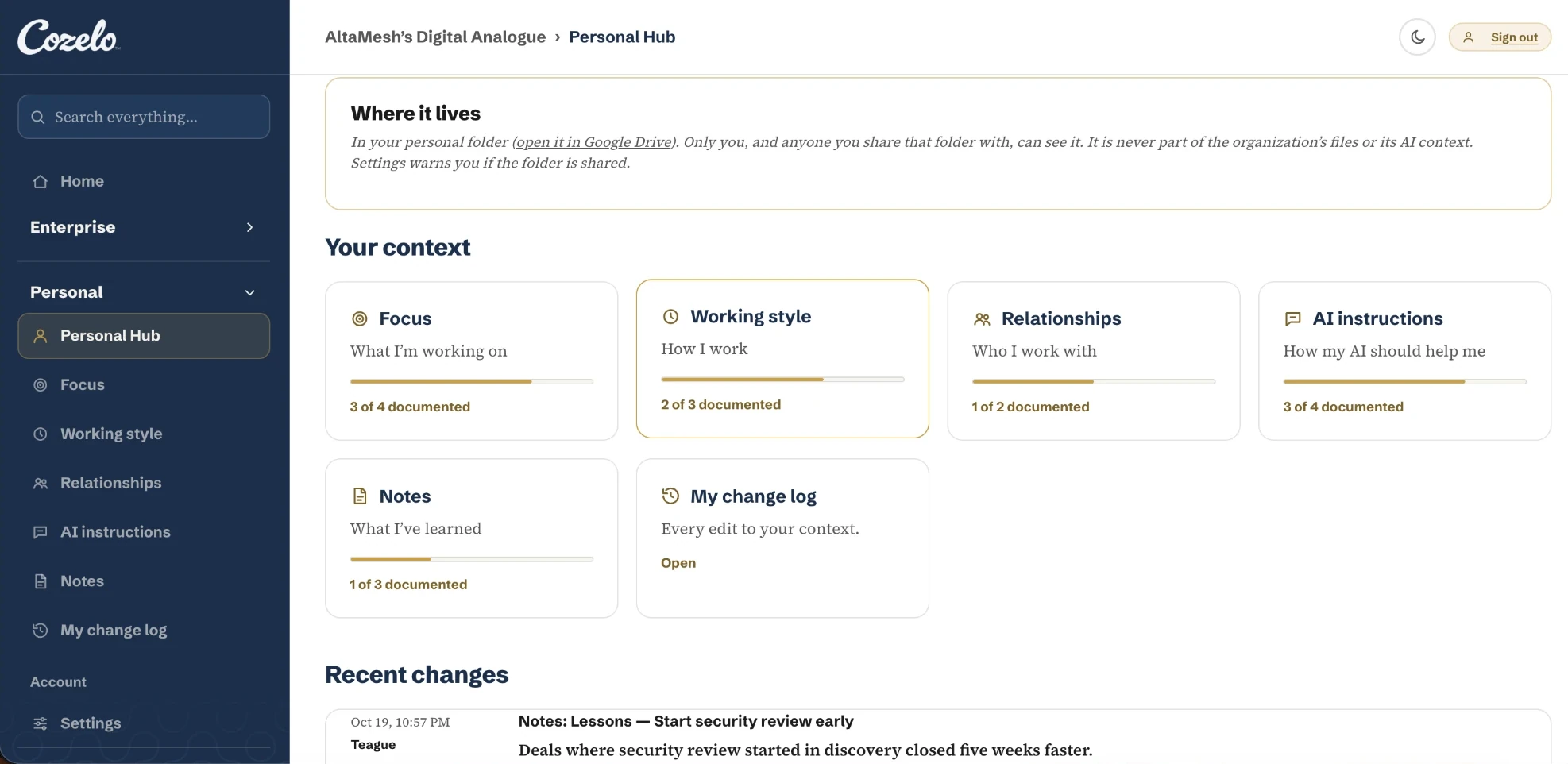
Your context base is a set of markdown files in your organization’s Google Drive or SharePoint. Cozelo keeps no copy of its content. Our servers hold only what the app needs to run: your organization’s name, members’ email addresses and roles, and folder and file IDs.
On Google Drive, the app can open only files it creates and files your team chooses in Google’s own file picker. On SharePoint, it can open only the folder your IT admin grants it, and it can’t change who has access. Every action uses the signed-in person’s own access.
People sign in with their company Google or Microsoft account. Sign-in tokens stay in an encrypted cookie in the person’s browser and expire within 7 days. Anyone can sign out of every device at once.
The app never sends your content to an AI model. Your own AI tool reads the files through its Google Drive or Microsoft 365 connector, under your AI account’s terms.
Let’s talk about what you’re trying to improve, what’s getting in the way, and where to start.